
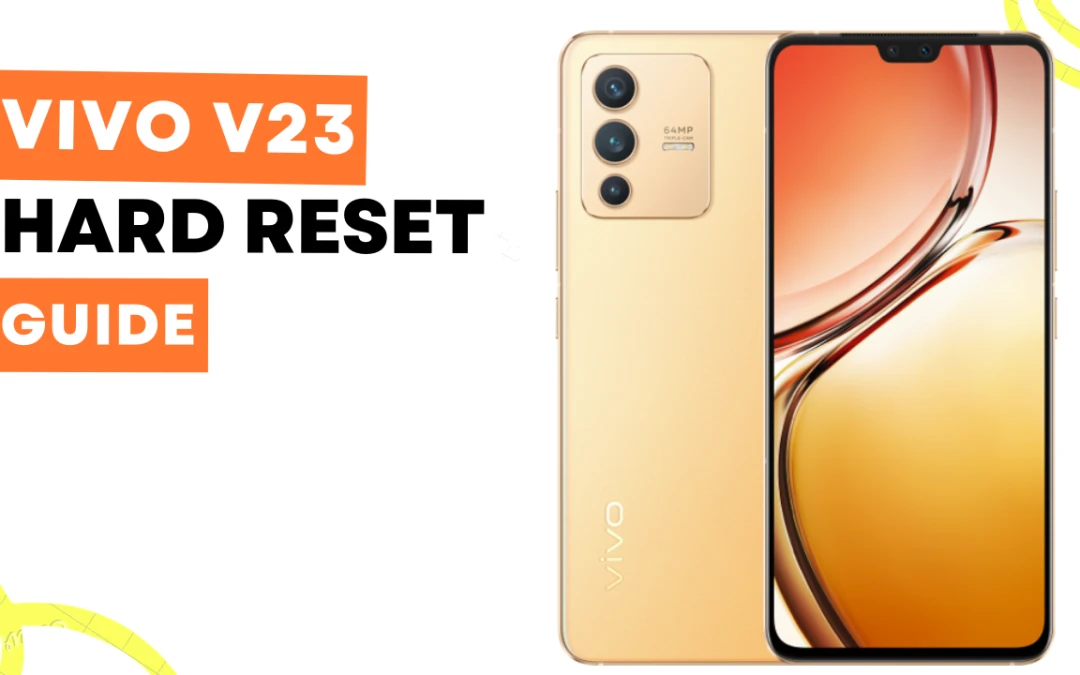
Hey dear, Are you looking for a Vivo V23 hard reset guide? Here I’ll guide you step-by-step on how you can hard reset or factory reset your Vivo v23 mobile in two easy methods.
Method 1: Hard Reset using hardware keys
- Power off your VIVO V23 5G device.
- Press and hold the Volume Up button & Power button, Until the VIVO logo appears.
- Release both buttons once the logo appears.
- Use the Volume Down button to highlight “Wipe data” or “Factory reset,” and then press the Power button to select it.
- Now use the Volume Down button to highlight “Yes” and then press the Power button to proceed.
- Wait for the reset process to complete, which may take a few minutes.
Read Vivo V23 Full Specifications and Price.
Method 2: Factory Reset via Android 12 settings
- Open the Settings app on your VIVO V23 device.
- Scroll down and select “System & updates.”
- Tap “Reset options,” then select “Erase all data (factory reset).”
- Read the warning message, then tap “Reset phone.“
- Enter your password if prompted, then tap “Reset phone” again to confirm.
- Wait for the reset process to complete, which may take a few minutes.
These methods will wipe all data and settings from your VIVO V23, So make sure to back up any important files before proceeding. Once the reset is complete, your device should run faster and feel like new again.